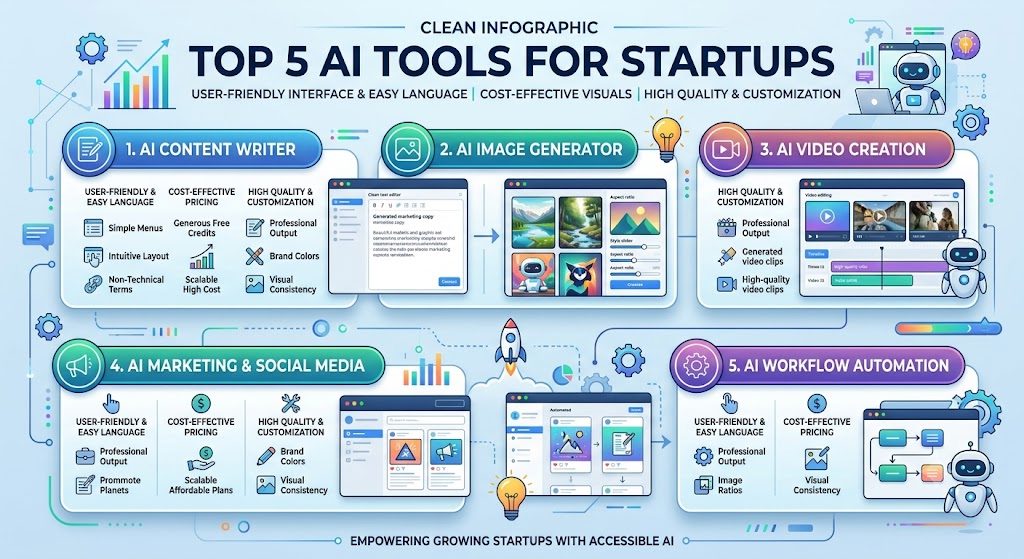
Top 3 AI Video Generation Tools for Startups
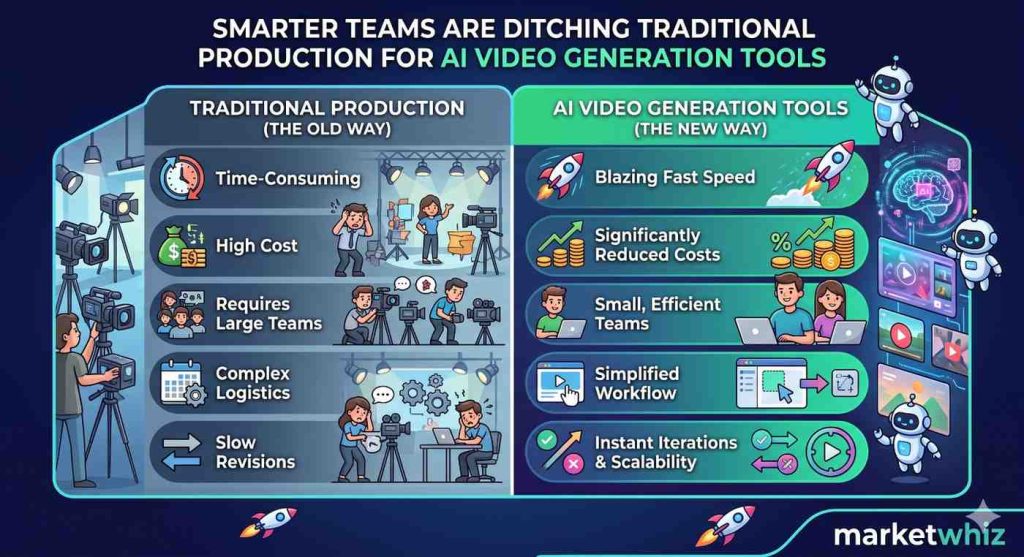
Why smarter teams are ditching traditional production for AI video generation tools
If you want your brand’s visuals to look expensive even when your budget is tight you came to the right place.
As a solo founder we can now publish good product clips, demonstration videos, and a dozen of ads variations in just a few minutes which few years back would’ve required a full production house to complete in days. Now with the help of ai video generation tools startups are saving money and instead spending into activities in which the business actually needs
Top 3 ai video generator that are doing most of the heavy lifting right now are: Google Veo, ByteDance’s Seedance, and Kling, from Kuaishou. Let’s see how they stack up, with prices included.
Quick comparison
| Tool | Best for | Max clip length | Entry price |
|---|---|---|---|
| Google Veo 3.1 | Cinematic realism, native audio | 8 seconds per generation | $19.99/mo (Google AI Pro) |
| Seedance 2.0 | Branded/commercial content, repeatable ad variants | Up to 15 seconds | ~$15–18/mo (Dreamina Basic) |
| Kling 3.0 | Long-form, stylized storytelling | Up to 2 minutes | ~$10/mo (Standard) |
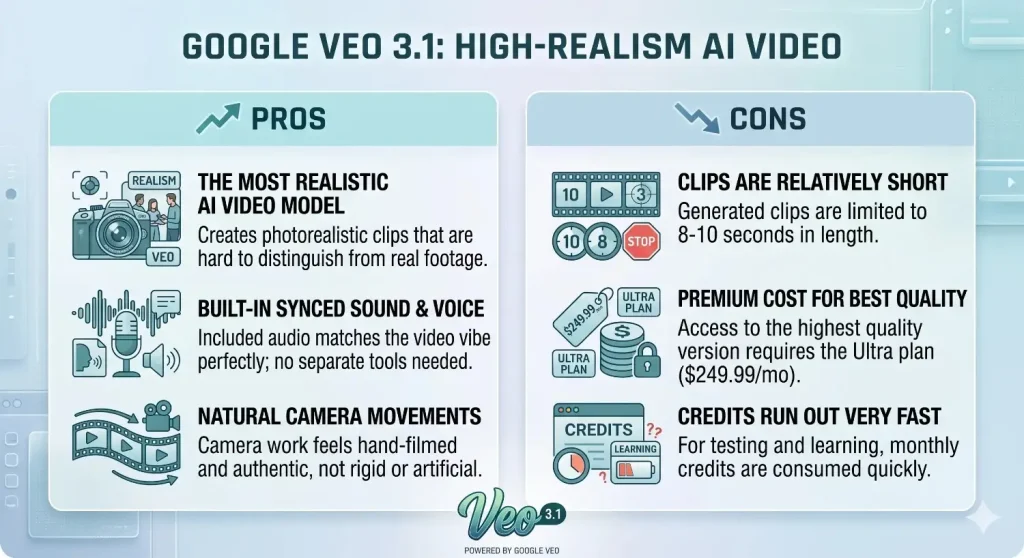
Google Veo 3.1: The one that makes it looks the most “real”
Veo 3.1 is the model most likely to make someone scroll past your ad without clocking it as AI-made. The realistic movements we get from google veo like: smooth fabric movements, how light falls naturally across a face feel directed and very realistic rather than random . It also generates synced audio like — dialogue, ambient sound, music cues which makes the ai video generation 10x better and engaging.
Google AI Pro ($19.99/month) unlocks GoogleVeo 3.1’s Fast and Lite modes with around 1,000 monthly credits — a better fit if you only need a few hero shots a month rather than steady volume of videos.
Pros:
- Google veo’s model makes the most realistic videos— people won’t easily guess it’s AI-made
- It also comes with built-in sound and voice, which matches with the vibe of the video so you don’t need a separate audio tool
- Camera movement look very natural and it feels like a real person has filmed it.
Cons:
- Clips are relatively on the shorter side — only 8-10 seconds long
- The best quality version costs a little extra ,you need extra $249.99/month Ultra plan to unlock it.
- If you are testing and learning ai video generation then monthly credits run out very fast
Seedance 2.0: built for brands that need the same face twenty times
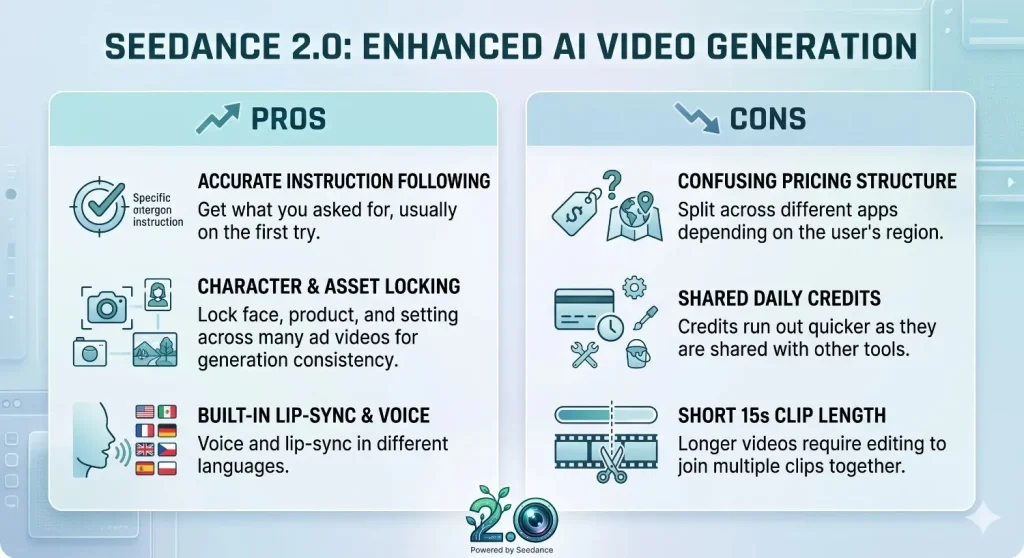
ByteDance’s Seedance 2.0, released in February 2026. For a startup which is running twenty ad variants with the same spokesperson in all the ads, that reliability and consistency matters and solves the problem as it accepts up to 12 reference inputs at once (images, video, audio), so you can lock a face, a product, and a setting, then vary everything else across a campaign without the character drifting between cuts. Clips can run up to 15 seconds duration with native audio and, lip-sync across several languages also included.
A Basic plan runs roughly $15–18/month for a modest credit allowance, with an Advanced tier closer to $70/month once you account for real credit burn per clip.
Pros:
- It follows instructions more accurately, so you can usually get what you asked for on first try.
- It allows you to lock the same face, product, and setting across many ads videos, to keep consistency across in ai video generation.
- Comes with voice and lip-sync built in, it is even available in different languages
Cons:
- Pricing is a little bit confusing as it’s split across different apps depending on the region of the user
- Free daily credits are shared with other tools too, so they run out quicker than expected
- Clips are 15 seconds long, so longer videos needs editing to join clips together
Kling 3.0: built for going long
Kling can generate multi-shot sequences with total six connected scenes in just one pass ,and the individual clips run up to 2 minutes , which is far longer than the other two tools are currently offering. For startups that needs an explainer or a product walkthrough, that alone can save an afternoon of stitching clips together.
The trade-off for this model is consistency. When you run the same prompt many times you are likely to get visibly very different takes but , it suits fashion films and brand content better than a strict same results driven ai video generation tools.
Pricing as of mid-2026 is: a free tier with 66 daily credits (watermarked, non-commercial), with Standard around $10/month, Pro in the $26–37 range, Premier around $65–92, and a top Ultra tier near $180/month.
Pros:
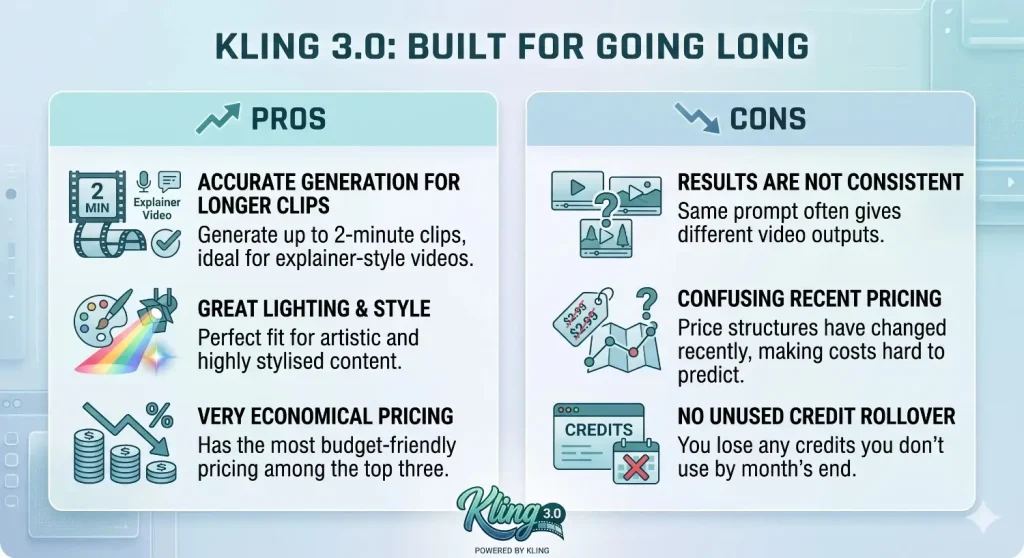
- It can generate much longer clips (up to 2 minutes), very useful for explainer-style videos
- Great at lighting, and style which is good fit for artistic content
- It has very economical pricing out of all the three
Cons:
- Results aren’t very consistent , same prompt gives different outputs
- Prices have changed a few times recently, so costs can be hard to predict
- Unused credits are not carried over to the next month, so you lose what you don’t use
How startups can pick the best generator at the lowest cost
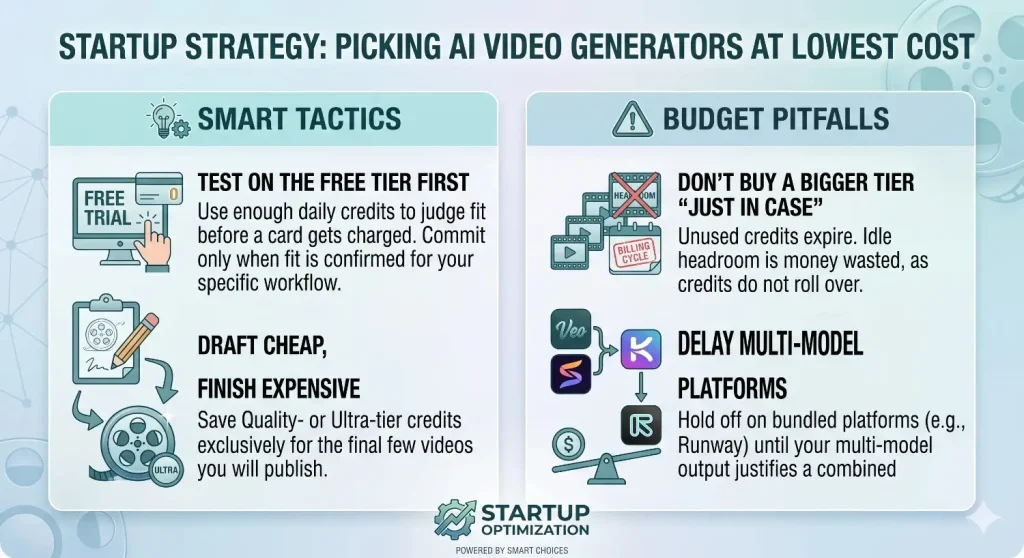
- Test on the free tier first: All three ai video generation tools give you enough daily credits to judge fit before a card ever gets charged, so startups should commit to tools once knowing if it works for their work
- Draft cheap, finish expensive: Save Quality- or Ultra-tier credits for the handful of final videos you will be saving.
- Don’t buy a bigger tier “just in case: Credits expire at the end of the billing cycle on all three platforms, so unused headroom is money sitting idle, not for later use.
- Hold off on multi-model platforms your needs justifies it: Bundled access through multi-model platforms like runway only pays for itself once your monthly output is high enough that three separate subscriptions would actually cost more.
Why the best AI videos start as an Ai image generation first
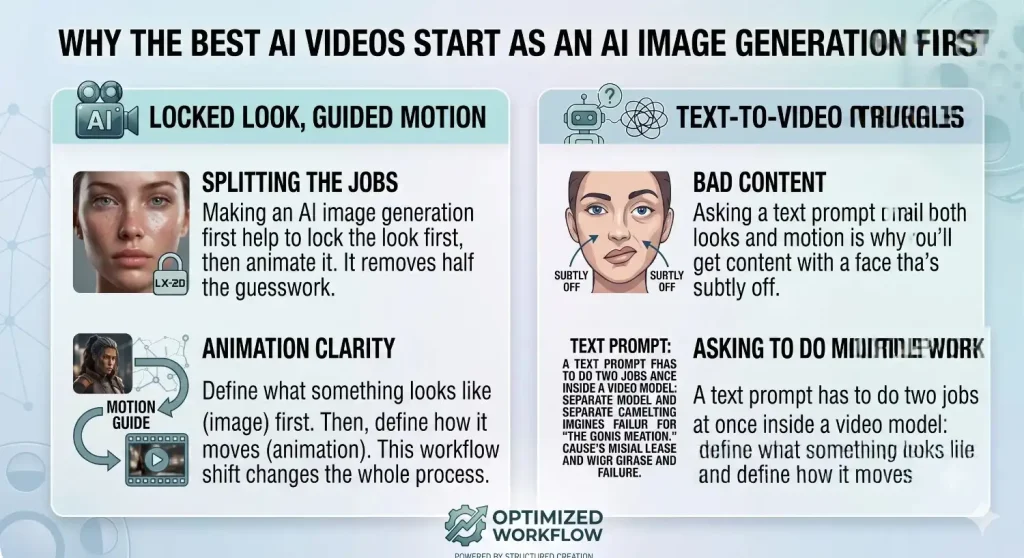
Teams now aren’t only typing a paragraph into an ai video generation model and hoping for the best — they’re starting one step earlier, with an AI-generated image, and only then turning that into motion. It’s a small workflow shift that changes the whole process.
Here’s the logic. A text prompt has to do two jobs at once inside a video model: define what something looks like and define how it moves. Asking to do multiple work and nail both is the real reason why you’ll sometimes get bad content with a face that’s subtly off. Splitting those two jobs apart by making ai image generation first — helps to lock the look first, then animate it — removes half the guesswork.
To know the best AI image generation tools for startups starting out check Marketwhiz
How Ai image to Ai video handoff actually works
Once you’ve got an approved still, the next step is handing it to the ai video generation model instead of starting from a blank prompt. Veo, Seedance, and Kling all support ai image to video generation natively — instead of generating a scene from scratch, the model takes your still as the first frame and is asked only to animate it.
This is also how startups can keep a product or person consistent across a whole ad campaign. Generate one strong reference image, then run it through the ai image to video generation model with a dozen different prompts — different camera angles, different settings, different captions — and the face or product stays the same in every cut, because every clip is animating from the same locked still rather than reinterpreting it each time.
FAQs
1. Which of the three ai video generation tool is the cheapest and best for a startup just starting out? On the basis of pricing, Kling’s Standard plan is the cheapest entry point, followed by Seedance’s basic plan , and lastly Veo 3.1’s Pro tier is close behind.
2. Can beginners easily use these Ai video generation tools? Yes, with practice and learning how to provide pecise prompts beginners can easily use these tools to create professional content for their startup.
3. How long can we i make a single AI video clip ? This depends on the tool used, Veo 3.1 can make at 8-10 seconds long video per generation. ByteDance’s tool can go up to 15 seconds and lastly Kuaishou’s tool can run up to 2 minutes in a single multi-shot pass which is by far the longest of the three, which makes it the default pick for long content.
4. Should a team pick just one tool, or use more than one? If your ai video generation needs are basic — say, you only need short product ad variants then picking the single best-fit model will be beneficial. Once your needs get more complex , and longer-form content is needed, then it is most beneficial for teams to first perform ai image to video generation to reduce error and inconsistency, then run two or three models, either directly or through a multi-model platform that bundles them under one subscription.